Fashion Clothes Design Software Features
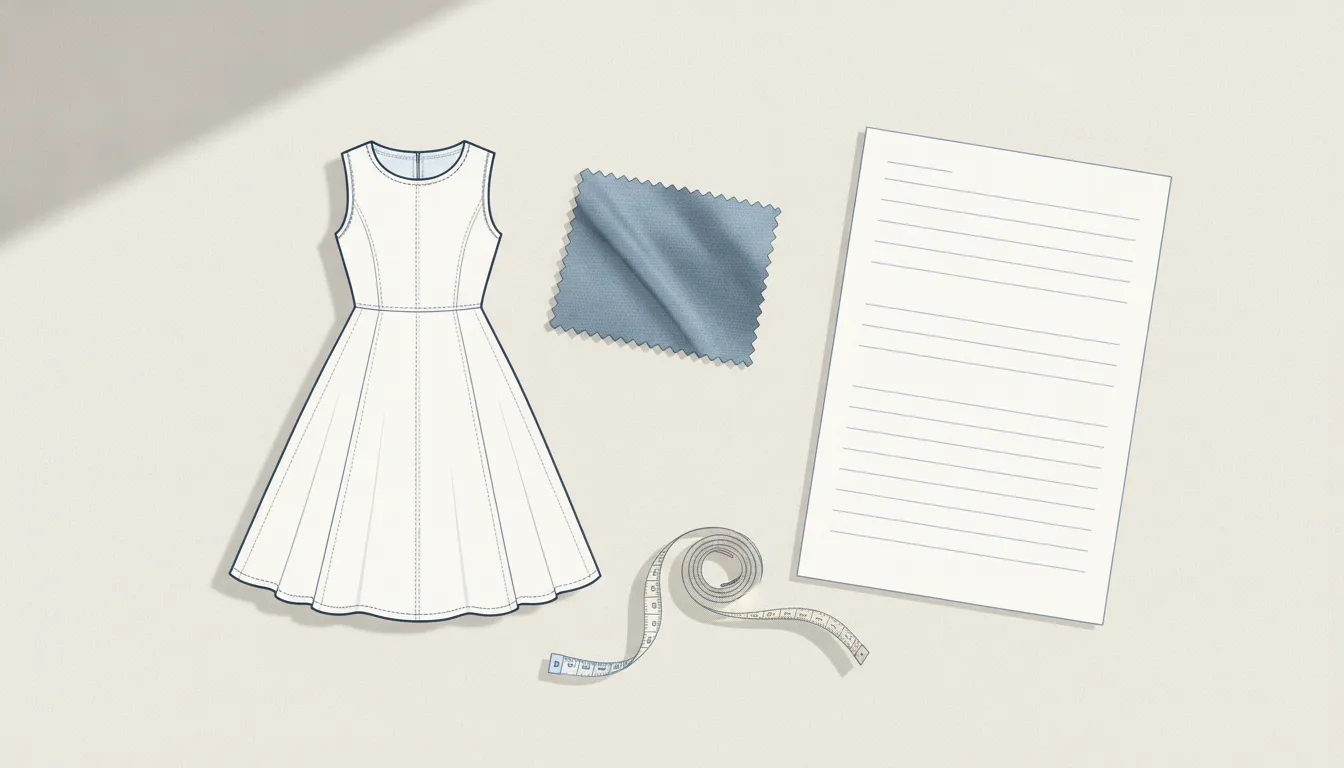
Fashion clothes design software should do more than hold a sketch. A buyer comparing it needs a product record that can carry a garment from the creative file to the people who will make it. The useful comparison is which features keep materials, measurements, and construction notes attached to that garment, and which ones stop at the drawing.
See how iCreate Pro organizes a design for manufacturing
Most search results for this phrase lead to drawing and 3D visualization apps. Those tools matter. They are not the whole workflow. A dress can look finished on screen and still be impossible to cost, sample, or sew because the product details never left the creative file. This guide compares the features that close that gap. It does not rank sketching apps, and it does not treat iCreate Pro as a place to draw the garment. Designers and brands keep creating in the tools they already use. Pro organizes that existing work into Smart Tech Packs a manufacturer can read.
What fashion clothes design software has to carry
Start with the job, not the feature list. A clothes design record has to answer three questions before a factory can act on it. What is the garment? What is it made from? How should it be constructed?
For a women's dress, that record usually includes the style name, the season, the sketch or design file, the fabric and trims, the size range, the points of measure, and the construction notes. If any of those live in a separate email, the software has not finished the job. It has only stored the picture.
Write the missing pieces down before you compare vendors. A useful short list for one style looks like this:
- Style name, season, and the person who owns the current version.
- The design file you already made, attached rather than redrawn.
- Fabric name, and composition or weight if you know them.
- Trims, including a zipper, a closure, a label, or a lining when the dress uses one.
- Size range, points of measure, and the tolerance you are willing to accept.
- One construction note a sample room would otherwise ask about by email.
You do not need every field on day one. You do need a place for each field. Software that hides a field until a later module will push that detail back into a spreadsheet, which is the problem you were trying to leave.
The iCreate.Fashion platform connects designers, apparel brands, and manufacturers through that product information. The company's focus is the handoff between creative work and the people responsible for making it. Pro is the product for designers and brands. iCreate Core is the product for manufacturers who need to connect with those Pro users and coordinate the project. Power is the conversation for factories that need broader product, production, enterprise, and warehouse operations. When the record is ready to share, the next conversation is about a clothes design platform that can hold the product details, not only the sketch.
A good comparison keeps those roles separate. Creative software helps a designer develop the garment. Handoff software keeps the approved details together so a manufacturer is not reconstructing them from a PDF and a thread of messages.
Which features matter before a garment can be made
A demo can look complete and still miss the fields a sample room uses. Compare these features against one real style, not against a slide.
A single product record
The style, its images, and its supporting details should live in one record. Ask whether a revision replaces the old file or sits beside it with a date and an owner. A record that cannot show which version a factory is looking at will recreate the email problem inside the software.
Materials and trims
The record should name the fabric, the composition and weight when you have them, and the trims such as zippers, buttons, and labels. It should also leave room for a supplier name when you know it. Empty fields are fine at the sketch stage. Hidden fields are not. If the software has no place for a material, that detail will travel in a spreadsheet.
Measurements and construction
Points of measure, a size range, tolerances, seam and stitch notes, and finish details are what turn a sketch into something a factory can attempt. The garment specification sheet is where many of those notes already live. Software should hold the same notes, not replace the judgment of what a factory needs.
A bill of materials
A bill of materials lists what goes into the garment. Compare whether the software can keep that list with the style, and whether a change to a trim updates the list the manufacturer sees. A BOM that is exported once and then edited by hand is a copy, not a record.
A shareable tech pack
The output should be a tech pack a person can read and a system can use. On the iCreate Pro page, a Smart Tech Pack brings design and product information into a form you can share in a manufacturing conversation. It is human- and machine-readable. That is a different feature from a folder of images. The tech pack fashion guide covers what belongs in the document. This comparison asks whether the software can assemble it from the product record.
Access you can grant and take back
Designs are intellectual property. The software should let a brand share one style with one manufacturer and close that access later. Sharing a link that never expires is not the same control. The guide to managing intellectual property in fashion design is the place to go deeper on that question. Here, the test is simpler: can you see who has the file?
How the software types differ
Buyers often put every tool that touches a garment into one list. The work splits more cleanly than that.
| What you are comparing | What it is for | What to check | Where it falls short |
|---|---|---|---|
| Creative design tool. | Sketching, artwork, pattern drafting, or 3D visualization. | Can your team keep using it for the actual design? | The finished file may not carry materials, measures, or construction notes. |
| Product record and handoff. | Organizing an existing design with the details a manufacturer needs. | Can you build a Smart Tech Pack from work created elsewhere? | It will not draw the garment for you. |
| Manufacturer coordination. | Connecting a factory with the brand's product and project information. | Can the factory see the same style details the brand shared? | It is not a substitute for the creative file or for full factory systems. |
| Product lifecycle system. | Managing a style across development, adoption, and ongoing product data. | Do you need lifecycle control, or a clearer handoff first? | A full PLM project is a different purchase from a design-to-factory record. |
Keep the creative tool. NIST's note on requirements verification tools lists the checks a specification should pass: complete, consistent, unambiguous, and verifiable. A sketch is not that statement. A product record that names the fabric, the measures, and the construction is closer to it. The NIST requirements verification page is about software assurance, not apparel, and it does not endorse any product. The test still applies. If two people can read the record and build two different dresses, the specification is not finished.
iCreate Pro sits in the second row of that table. The Pro page says the creative process starts outside Pro. You bring designs you have already created, organize the product information, and use Smart Tech Packs to share product intent with manufacturing. Core sits in the third row, for manufacturers working with designers and brands who use Pro.
What a useful comparison looks like in practice
Pick one dress that is about to be sampled. That single style will expose more than a tour of empty screens.
- Bring the existing sketch or design file into the record without redrawing it.
- Add the fabric, one trim, and the supplier only if you already know it.
- Add the points of measure and one construction note a sample room would ask about.
- Save a revision, then open the previous version and see who changed it.
- Build the tech pack from that record and send it to one manufacturer.
- Ask the manufacturer to name one missing detail. If they need a follow-up email for a basic measurement, the feature is not doing the work.
Run the same style through the creative tool alone. If the only output is an image, you still need a second system for the product details. That is not a failure of the creative tool. It is a sign that you are comparing two different jobs.
Score the result while the demo is open. A simple pass or fail is more honest than a feature matrix copied from a vendor site.
- Pass if the existing design file stays attached to the style and you did not redraw it.
- Pass if the fabric and one trim are visible on the same record as the sketch.
- Pass if a point of measure can be entered and found again after you save.
- Pass if the previous version is still there after an edit, with a date.
- Fail if the tech pack is a screenshot you have to assemble by hand.
- Fail if the only way to share it is an open link you cannot close.
Two failures are enough to stop the comparison. A product that cannot keep a measurement with a dress will not get better because the rest of the tour looks polished. Ask the manufacturer on the call to point at the field they would use. If they cannot find it without help from the person running the demo, the record is not ready to travel.
Teams that already have a written apparel product development process should map these steps onto that process rather than inventing a new one for the demo. The software should fit the handoff you already run.
How this differs from PLM, textile tools, and a pricing demo
Three neighboring questions are easy to mix into this one. They deserve their own pages.
Product development software is the broader buying question: which problem are you solving, and which category of system fits it. The fashion product development software guide covers that category choice. This page stays on the features inside a clothes design workflow.
Textile design software is about the cloth itself: prints, repeats, and approved textile assets. A practical guide to textile design software covers that creative work. A dress record may link to an approved textile. It should not be asked to design the print.
Collaboration pricing and a demo agenda are a later decision. The buyer brief on fashion design collaboration software covers what a pricing conversation and a demo should include. Use that page once you know which features you actually need. The phrase to carry into that conversation is a clothes design platform that can hold the product record, not only the sketch.
Fashion PLM is a larger system for the life of a style. The fashion PLM software buyer guide is the right place for that comparison. Do not treat a tech pack handoff as a full product lifecycle suite, and do not treat a PLM rollout as the first step if the current problem is a missing specification.
What iCreate Pro does, and what it does not do
Pro is for designers and brands. It organizes designs created in other tools, keeps the product information with those designs, and turns that information into Smart Tech Packs you can share with a manufacturer. The About page describes the same split: keep the creative process, and improve the connection. Materials and specifications need to move with the design as a project reaches manufacturing.
Pro does not draw the garment, draft the pattern, or simulate a 3D fit. If that is the feature you need, keep the creative tool you already trust. Pro also does not publish a public price. Brands can sign up for Pro. Manufacturers looking at Core, and factories looking at Power, start with a conversation rather than a public rate card.
The company's public focus is mainly women's wear, and primarily dresses. That is a useful test garment for this comparison. A dress uses a sketch, a fabric, trims, a size range, and construction notes. If the software can carry those for one dress, you can judge whether it will carry them for the rest of the line. If it can only show the dress, it is a visualization tool.
Use the same dress to test the boundary between products. A designer who needs the sketch, the fabric, and the construction notes in one shareable record is looking at Pro. A manufacturer who already receives that record and needs to coordinate the project with the brand is looking at Core. A factory that needs to discuss production, warehouse, or enterprise systems is looking at Power, which is a different meeting. Mixing those questions into one demo makes every feature look half finished.
None of this requires a public price to judge. Pro sign-up is the path for designers and brands. Core and Power start with a conversation about the workflow you already run. Judge the feature on the dress in front of you, then decide which conversation you need.
Core is the matching product on the manufacturing side. It connects garment manufacturers with designers and brands using Pro, and it focuses on the product and project information that has to move between them. It is not a drawing tool either. Power is the later conversation, when a factory needs to talk about broader operations.
What to decide before you book a demo
Write down the feature you are missing today. Then refuse any demo that does not show that feature on your own style.
- If the sketch and the specification live in different files, you need a product record more than you need another drawing app.
- If manufacturers reply with questions your tech pack should have answered, test the Smart Tech Pack on one dress before you compare platforms.
- If several factories work on the same style, confirm you can share and revoke access per partner.
- If the factory's problem is project tracking rather than the design file, look at Core instead of adding features to the creative tool.
- If you need lifecycle control across a whole assortment, read the PLM guide before you sit through a design-software demo.
Bring the checklist to the meeting. Ask the vendor to import one existing design, attach the fabric and one trim, enter one point of measure, save a revision, and export a tech pack. Time the steps. A feature that only works after a services project is a different purchase from a feature you can use on the next style.
Talk with iCreate about the handoff you run today
Frequently asked questions
What is fashion clothes design software?
It is software used to develop a garment and to hold the details that go with it. Some products are creative tools for sketching, pattern work, or 3D visualization. Others organize an existing design with materials, measurements, and construction notes so a manufacturer can work from the same record. A buyer should know which of those jobs they need before comparing products.
Does fashion clothes design software replace a tech pack?
No. A tech pack is the specification a factory uses. Software can help you assemble that pack from the product record, keep versions, and share the current one. The pack still has to name the garment, the materials, the measures, and the construction. A drawing with none of those details is not a tech pack.
Can iCreate Pro design the clothing for me?
No. iCreate Pro is not drawing, pattern, or garment-design software. Designers and brands keep creating in their current tools. Pro organizes those existing designs and the product information that supports them, then helps turn that information into Smart Tech Packs for a manufacturing conversation.
How is this different from fashion PLM software?
PLM follows a style across its life, from development through the product data a brand keeps using. Fashion clothes design software, in the narrower sense used here, is the record that gets one garment ready to make. A brand can need the handoff first and a lifecycle system later. They are related, and they are not the same purchase.
What should I ask for in a demo?
Use one real dress. Ask the vendor to attach your existing design file, add a fabric and a trim, enter a point of measure, save a revision, and produce a tech pack a manufacturer can open. Then ask who can see the file and how you take that access away. If the demo cannot do those steps, the feature list is ahead of the product.
Choose the feature that moves the garment
Fashion clothes design software is worth comparing when it keeps a garment's details together. Look for a product record, materials, measurements, a bill of materials, a shareable tech pack, and access you can close. Keep the creative tool that already draws the clothes. Add a handoff only where the specification breaks.
iCreate Pro is built for that second step. Designers and brands bring work from their current tools, organize the product information, and share Smart Tech Packs with manufacturers. Factories that need to coordinate those projects can look at Core. If you want to see how that handoff works on a style you are already developing, start with Pro or talk with the team about the workflow you have now.